> For the complete documentation index, see [llms.txt](https://docs.pengubot.ai/llms.txt). Markdown versions of documentation pages are available by appending `.md` to page URLs; this page is available as [Markdown](https://docs.pengubot.ai/limit-orders.md).
# Limit Orders
Buy or sell tokens automatically at your chosen price.
Limit orders let you enter or exit positions without watching the chart.
***
### ⚙️ What Is a Limit Order?
A limit order executes a trade **only when the target price is reached**.
Use limit orders to:
* Buy dips
* Sell at target prices
* Plan trades in advance
***
### 🧾 How It Works
#### 1. Select Token
Choose the token you want to trade.
***
#### 2. Set Price
Enter the price at which you want the order to execute.
***
#### 3. Set Amount
Choose how much to buy or sell.
***
#### 4. Confirm
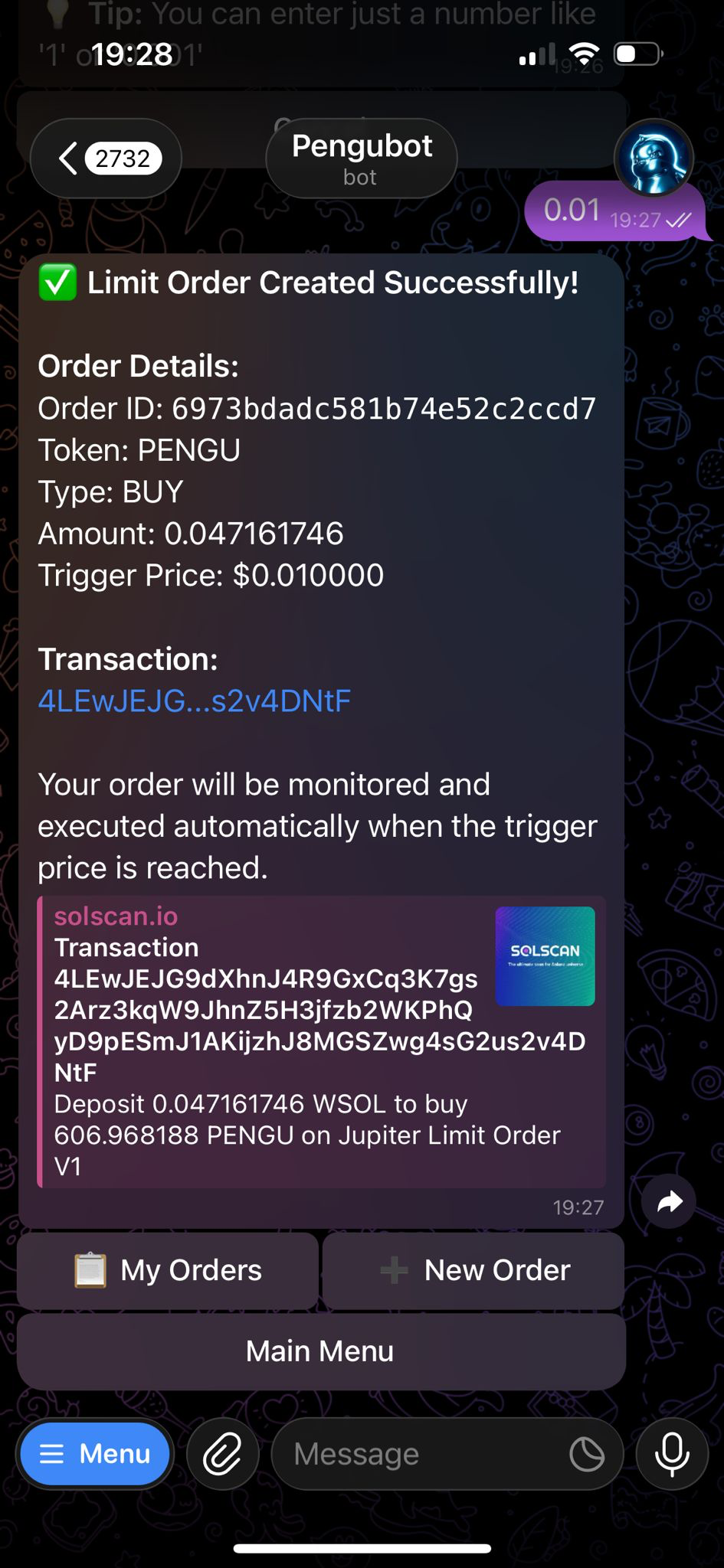
Once confirmed, Pengubot monitors the market and executes automatically.
***
### 🔁 Managing Limit Orders
You can:
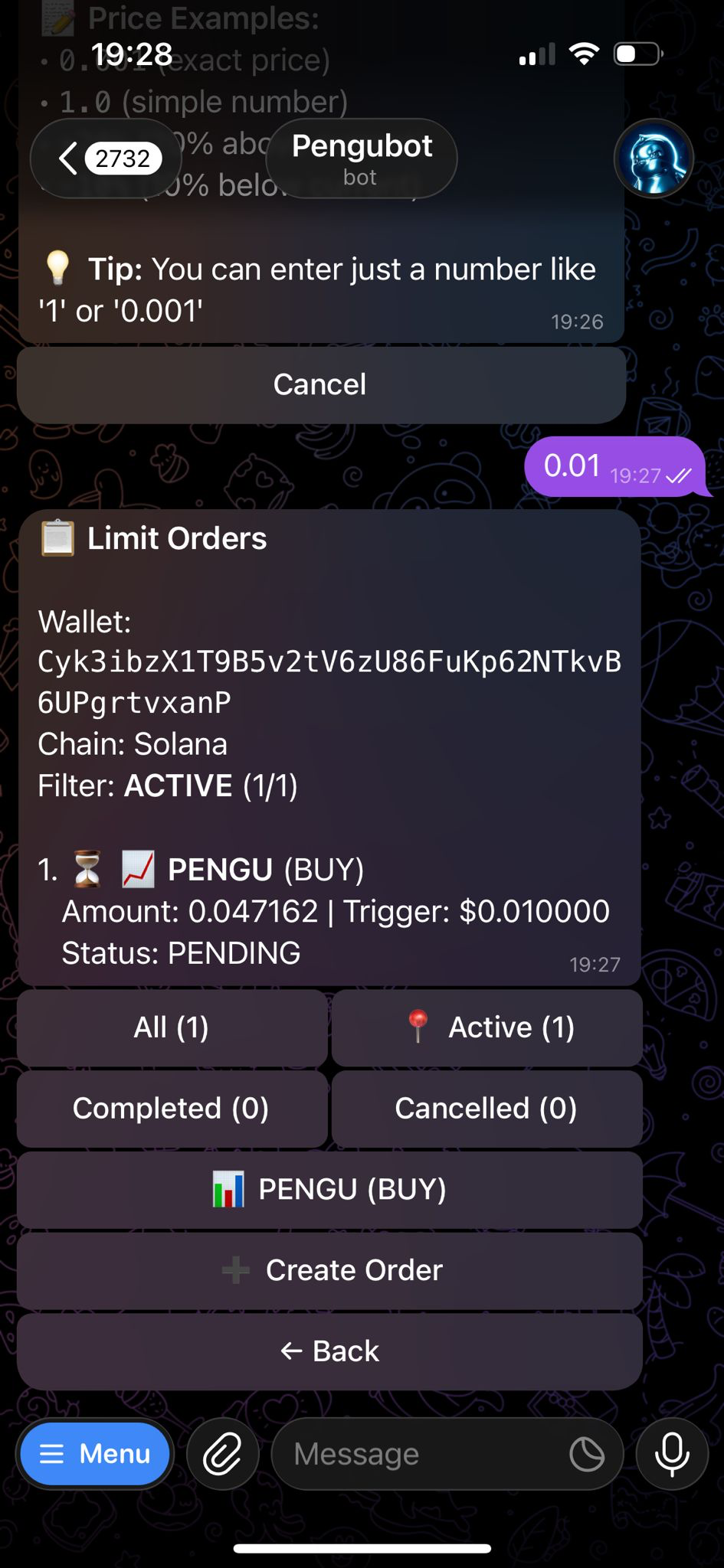
* View active limit orders
* Cancel orders anytime
* Track filled orders
***
### 🧠 Pro Tips
* Use limit buys during pullbacks
* Set limit sells to lock profits
* Ensure sufficient balance for execution
***
### ⚠️ Important
* Limit orders are not guaranteed to fill
* Orders execute on-chain when conditions are met
* Market gaps may cause missed fills
***